How to access my Hightail receipt?
Log into your account at https://spaces.hightail.com/login
Click on your Avatar at the top right of the screen: (*If you’re having difficulty seeing any avatar icon, please zoom out your browser screen(“CTRL” + “-“ button). There’s a chance that your screen is too zoomed in.)
Click "Manage" right beside the credit card information.
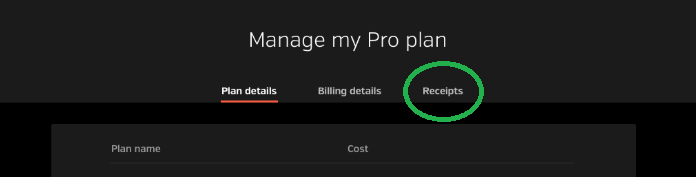
Your "Manage my Plan" page will show.
Select the "Receipts" tab.